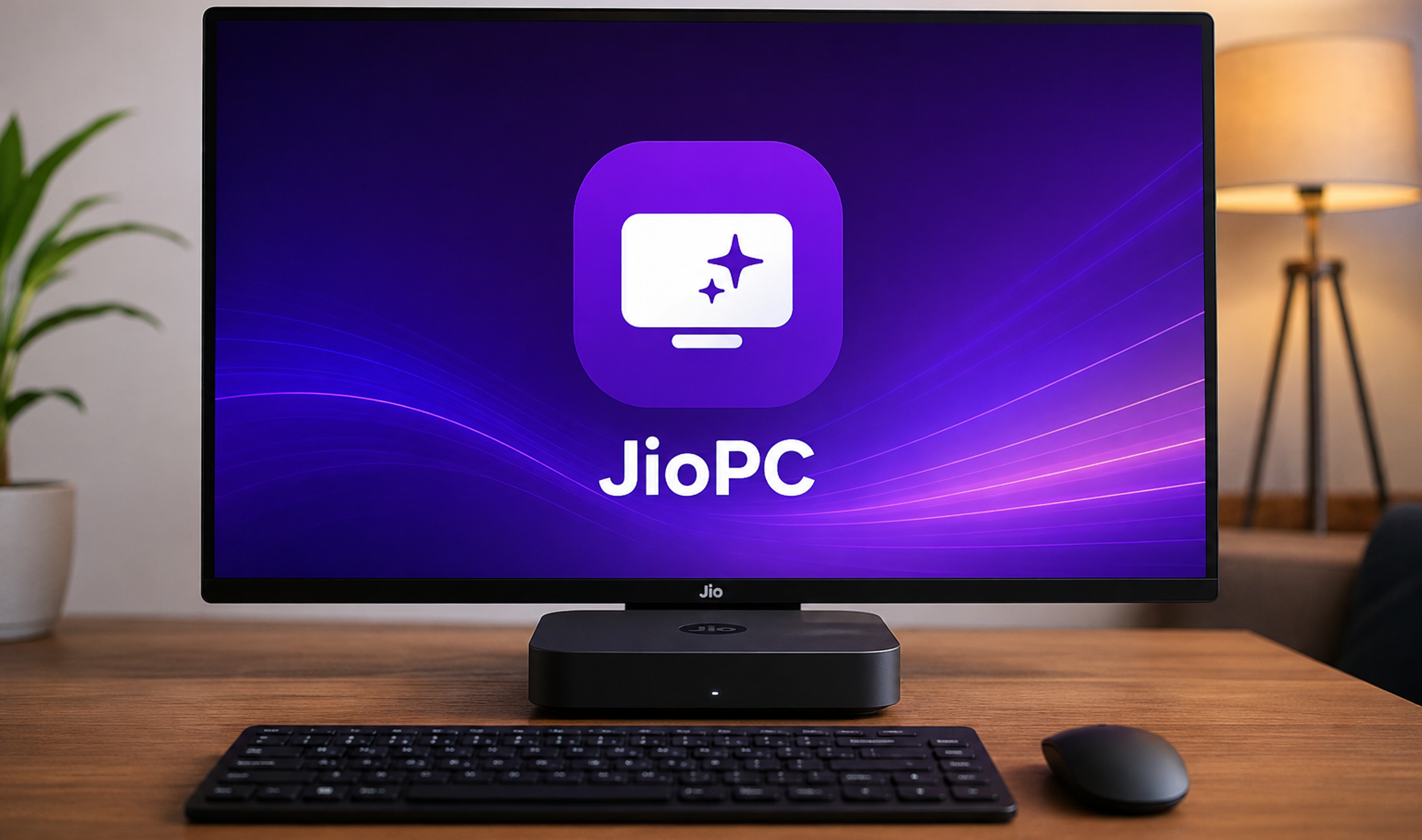
Reliance Jio has expanded JioPC beyond JioHome broadband, turning its cloud-computing service into a standalone product that can now be used on an existing laptop or desktop with any stable internet connection in India. The change matters because JioPC is no longer tied to JioFiber or JioAirFiber for browser access, making it relevant to a much larger group of users with ageing computers.
Jio says users can register with either a Jio or non-Jio mobile number, open the JioPC website in a browser and launch a remote desktop after activation. The computing workload runs in the cloud rather than on the local machine, so the pitch is straightforward: extend the useful life of an old PC instead of replacing its processor, memory or storage.
The new standalone plans start at ₹1,000 for two months. JioPC is offered in a standard configuration with 8GB RAM and 500GB storage, while JioPC Ultra increases that to 16GB RAM and 1TB storage. The service still depends heavily on connection quality, so it is better understood as a cloud desktop subscription than a literal hardware upgrade.
JioPC plans and prices in India
The current standalone pricing is structured around two configurations. The regular JioPC plan costs ₹1,000 for two months, ₹2,000 for five months and ₹4,000 for a 10+2 month validity period. JioPC Ultra costs ₹1,200 for two months, ₹2,500 for five months and ₹5,000 for 10+2 months.
On the listed specifications, standard JioPC provides 8GB RAM and 500GB storage, while Ultra offers 16GB RAM and 1TB storage. That makes Ultra the more sensible choice for heavier multitasking or users who need more cloud storage, although raw RAM capacity alone does not guarantee the same responsiveness as a similarly specified local computer.
Jio also advertises a free trial, which is particularly useful for this type of product. Unlike buying a physical PC, the experience depends on variables such as broadband latency, Wi-Fi stability, browser performance and where Jio's cloud infrastructure serves the session. Testing it on the connection you actually use is more useful than judging it only from the specification sheet.
How JioPC works on an old laptop or desktop
JioPC is a virtual desktop. Your physical computer acts mainly as the device that displays and controls a computer running remotely in Jio's cloud. Applications, files and processing can therefore use cloud resources instead of relying entirely on the ageing CPU, limited RAM or small drive inside the machine in front of you.

Jio's official instructions say browser users open my.jiopc.in, enter the mobile number used for the purchase or free trial, create a password and confirm the account with an OTP. Jio notes that provisioning the virtual desktop can take a few minutes after registration.
Crucially, Jio's current FAQ says the browser version works on any broadband or internet connection. A JioFiber or JioAirFiber subscription is not required. That is the main change that makes the September 2026 expansion more important than the original JioPC launch, which was closely associated with JioHome and the company's set-top-box ecosystem.
What can JioPC actually improve?
A cloud PC can make sense when the local computer is still physically usable but has become too slow for current web applications, office work, coding tools or AI services. Jio specifically positions JioPC as a way to modernise older computers and access newer applications without buying replacement hardware.
For students, a school or family with several older machines, that can change the economics. Spending ₹4,000 for roughly a year of the standard configuration is substantially different from purchasing a new laptop, especially if the requirement is primarily browsing, documents, virtual learning and web-based tools.
The broader strategy also fits Jio's push beyond connectivity. Headline Thread recently covered the Jio Platforms IPO approval, which highlights how the company is increasingly being valued around digital platforms and infrastructure rather than telecom access alone.
The biggest limitation is still the internet connection
JioPC does not make a weak internet connection irrelevant. It makes the internet connection more important. Every mouse movement, key press and screen update has to travel between the user and the remote computer. High latency, packet loss or unstable Wi-Fi can therefore make a powerful cloud machine feel slower than a modest local PC.
That distinction matters for buyers who see 8GB or 16GB RAM and assume the service will behave exactly like a physical computer with those specifications. It may feel smooth for office work and browsing on a good connection, but workloads that depend on extremely low latency, specialised peripherals or consistent high-bandwidth transfers need more careful testing.
There is also an availability trade-off. A local laptop can continue running many applications during an internet outage. A cloud desktop cannot. Users in areas with frequent broadband interruptions, unstable mobile data or high latency should treat the free trial as essential rather than optional.
Browser access has one important peripheral restriction
Jio says the virtual desktop, files, settings and installed applications are the same whether JioPC is accessed in a browser or through its set-top-box route. However, the company explicitly states that pendrive and USB-drive access is not available when using JioPC in a browser.
That can matter more than it sounds. Students moving project files on USB drives, small offices exchanging documents through removable media, photographers importing files and developers using local hardware tools may find browser-only peripheral limitations inconvenient. Anyone with a workflow dependent on USB devices should verify support before paying for a longer plan.
JioPC versus buying a new laptop
The strongest argument for JioPC is cost. If an old laptop still has a usable keyboard, display, battery or power supply, network adapter and browser, subscribing can postpone a new hardware purchase. This is especially compelling for basic productivity users whose local computer has become slow but whose requirements have not grown dramatically.
Buying new hardware is still the better long-term route for users who need offline access, gaming performance, video production, local development environments, specialist USB devices or predictable performance regardless of broadband conditions. A new laptop also remains an asset after the subscription period ends, whereas JioPC access depends on keeping the service active.
Windows users should also separate JioPC from a normal operating-system upgrade. Microsoft continues to evolve Windows itself, including the Windows 11 26H2 rollout, while JioPC takes a different approach by moving the computing environment into the cloud. The right choice depends on whether the bottleneck is outdated software, outdated hardware or both.
Does the AI-ready claim matter?
Jio describes the service as capable of giving older machines access to modern AI-powered applications because compute-intensive work can happen in the cloud. That is technically plausible, but buyers should distinguish access to AI tools from dedicated local AI hardware such as an NPU in a newer PC.
For browser-based AI assistants, research tools, cloud coding environments and many productivity workflows, local hardware matters less than it once did. For AI workloads that require specific GPUs, local model execution or tightly controlled development environments, the exact capabilities and policies of the virtual desktop become much more important.
India's wider push into AI infrastructure makes this positioning timely. The country's ambitions around compute, talent and infrastructure are explored in Headline Thread's analysis of whether India can become an AI superpower. JioPC brings a consumer-facing version of the same broader idea: expensive computing resources do not always have to sit inside the device the user owns.
Who should consider JioPC
JioPC makes the most sense for households with an ageing but functional computer, students doing browser-heavy coursework, schools trying to stretch existing computer-lab hardware, professionals whose work is mostly web and office based, and small businesses that want predictable access to a standard cloud desktop without refreshing every PC immediately.
The ₹1,000 two-month standard plan is also low enough to evaluate without making a long commitment. Users who genuinely benefit can then compare the effective monthly cost of the five-month and 10+2-month plans against the cost of upgrading RAM, replacing storage or buying a new entry-level computer.
Who should skip it
Skip JioPC as a primary machine if your connection is unreliable, you regularly work offline, you require low-latency gaming, you depend on unsupported USB peripherals, or you need guaranteed access to specific local hardware and operating-system features. Users handling sensitive corporate data should also confirm that their employer's security and compliance policies permit work inside a third-party cloud desktop.
What buyers should test during the free trial
Test JioPC at the same desk, on the same Wi-Fi and at the same times of day you normally work. Open several browser tabs, play video, edit documents, join a web meeting and use the applications that matter to you. Also test reconnect behaviour after briefly losing Wi-Fi and check whether files can be moved into and out of the environment in a way that fits your workflow.
If the experience remains responsive, the expansion to any internet connection makes JioPC far more useful than a service locked to one broadband ecosystem. If latency or peripheral limitations interfere with daily work, no amount of cloud RAM will solve the underlying mismatch.
For the right user, JioPC is not really competing with a premium laptop. It is competing with the decision to replace an old computer today. At ₹4,000 for the standard 10+2-month plan or ₹5,000 for Ultra, that is an interesting proposition, but one that should be judged by real connection quality and workflow compatibility rather than specifications alone.