
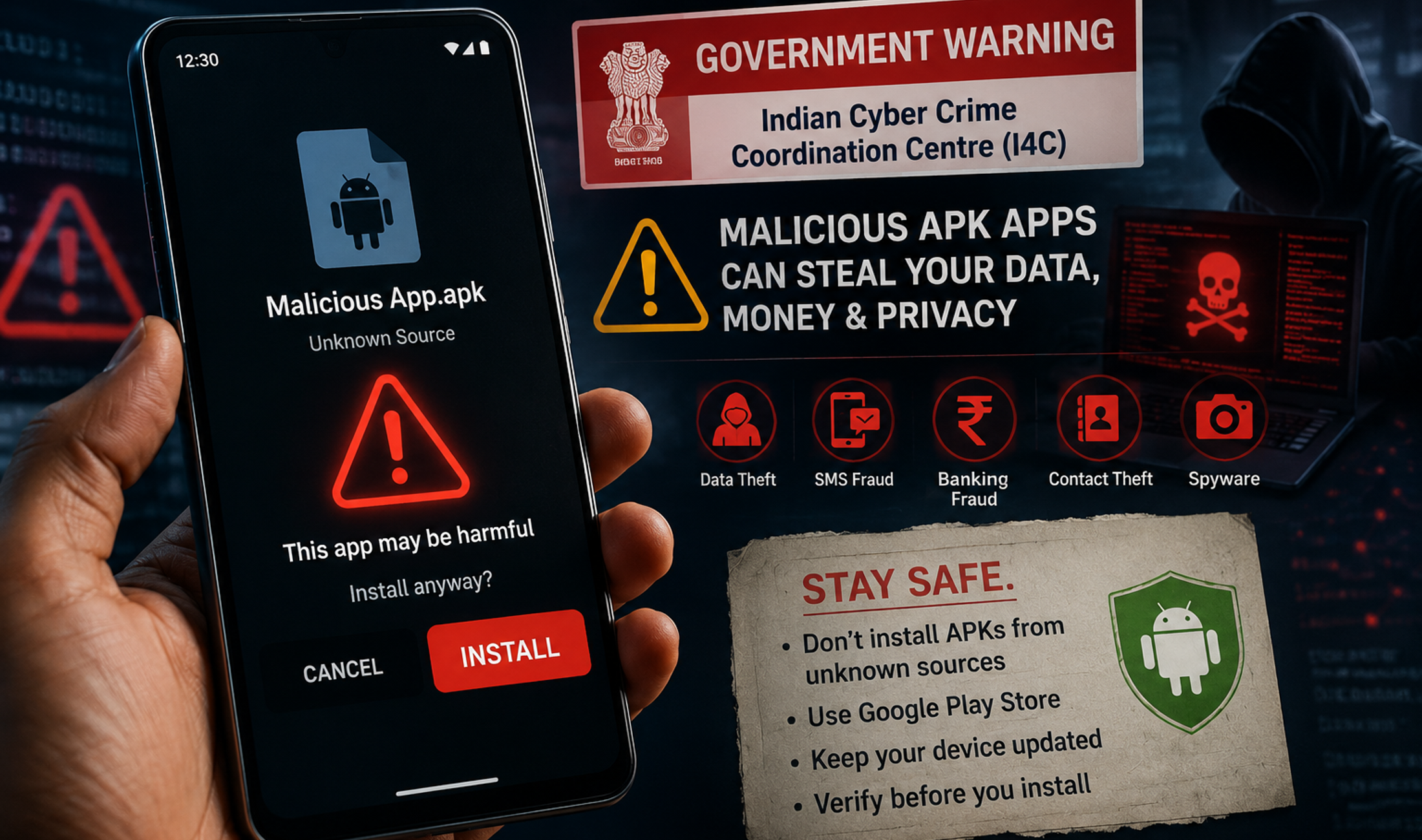
Android users in India have been warned about a financial-fraud campaign that uses malicious apps disguised as adult-content applications. The National Cybercrime Threat Analytics Unit, under the Indian Cyber Crime Coordination Centre, says the apps are being promoted through Facebook and Instagram advertisements, then distributed as APK files outside the Google Play Store.
The warning matters because the attack is not limited to stealing a password or showing unwanted ads. According to the government advisory reported on August 31, some variants can abuse Android Accessibility permissions, install additional packages, run in the background and potentially enable unauthorised financial transactions. Some may also install a VPN that routes traffic through attacker-controlled servers.
Which Android apps were named in the warning?
The advisory identified apps operating under names including Night Play, Reloop, Kyss, Vimo, Rivo, Nexo and Vixa, while also warning that similar variants may exist. The important point is that users should not treat this as a fixed blacklist. Attackers can change app names, icons and download pages quickly.
The common pattern is more useful to recognise: a social-media advertisement leads to a website, the website asks the user to install an APK from outside an official app store, and the installed app then requests unusually powerful permissions.
How the malicious APK scam works
The attack begins with an advertisement or link, primarily on Facebook or Instagram. Users who click it can be redirected to a website, often using a .live domain, that presents adult content and encourages them to download an Android APK directly.

Sideloading an APK is not automatically dangerous. Android allows users to install apps from outside Google Play. The risk comes from installing software from an untrusted source and then granting it sensitive permissions without a clear reason.
Accessibility permission is the critical warning sign
Android Accessibility services are legitimate features designed to help users interact with their devices. But the permission can also give an app broad ability to observe or control on-screen actions. A malicious app that convinces a user to enable Accessibility access can gain much deeper control than an ordinary app should have.
The advisory says the initial app may also download a second package disguised as an update. That allows the campaign to deepen its access after the first installation rather than exposing all of its behaviour immediately.
Why the VPN component is dangerous
Some variants may install a VPN on the phone. A VPN changes how network traffic is routed. In a legitimate VPN service, that is the product’s purpose. In malware, routing traffic through infrastructure controlled by an attacker can create another opportunity to monitor, manipulate or misuse data moving from the device.
What Android users in India should do now
The safest response is simple: avoid installing APK files offered through social-media advertisements, random websites, shortened links or unsolicited messages. Prefer Google Play or another app store you already trust, and be especially cautious when an app asks for Accessibility, device administrator or VPN permissions that do not match its obvious function.
Keep Google Play Protect enabled, install Android security updates when they are available, and periodically review the apps installed on your phone. This is particularly important on devices used for banking and UPI payments. Headline Thread’s explainer on UPI’s scale in India shows why a compromised phone can have consequences beyond the device itself.
How to check whether a suspicious app has too much access
Open your phone’s Settings and review Accessibility services or downloaded apps with Accessibility access. Menu names vary by Android brand, but the goal is the same: look for services you do not recognise. Then check device administrator permissions and active VPN connections for unfamiliar entries.
Also review recently installed apps. If an unfamiliar application appeared after you clicked an advertisement, installed an APK or accepted an update outside the Play Store, treat that as a warning sign. Do not grant it more permissions while investigating it.
What to do if you already installed one of these apps
If the app can be removed normally, uninstall it and then review Accessibility, device administrator and VPN settings to make sure no related access remains. If the app prevents removal, the advisory recommends restarting the phone in Safe Mode and attempting the uninstall from Settings.
If necessary, disable Accessibility access and device administrator privileges for the suspicious app before trying again. If the malware cannot be removed or returns after a restart, the government guidance recommends backing up important data and considering a factory reset.
Anyone who suspects financial fraud should also check bank and UPI transactions immediately. India’s cybercrime authorities advise reporting incidents through the national cybercrime helpline 1930 or the National Cybercrime Reporting Portal.
Why sideloading deserves extra caution
The broader lesson is not that every APK outside Google Play is malware. Developers, enterprise users and enthusiasts legitimately sideload Android apps. The problem is that sideloading removes some of the friction and review mechanisms users normally rely on when installing software.
For mainstream users, the safest rule is to avoid sideloading unless the source is known and the reason is clear. The same caution applies when configuring a new phone or SIM. Headline Thread’s guide to India’s updated SIM rules covers another area where small security decisions can affect access to important digital services.
What remains uncertain
The advisory confirms the distribution pattern, named app variants and the permissions being abused, but it does not mean every app with a similar name is necessarily part of the same campaign. It also does not establish that every victim will experience the same sequence of events. Malware campaigns evolve, and app names, domains and delivery methods can change.
Bottom line
For most Android users, this threat is avoidable. Do not install an APK simply because an advertisement or website asks you to. Treat unexpected Accessibility, device administrator and VPN requests as high-risk, keep Play Protect enabled, and check financial accounts quickly if you think your phone has been compromised. The current warning is a useful reminder that on Android, the most dangerous step in many attacks is still the moment a user grants an untrusted app more access than it needs.