A ₹50,000 laptop budget is enough for a capable study or work machine in 2026, but headline specifications can be misleading. Two laptops can both advertise 16GB RAM and a 512GB SSD while delivering very different performance, battery life, display quality and upgrade options. Processor class, memory configuration, cooling and the screen matter just as much as the numbers printed on a product page.
For this shortlist, we prioritised models that have recently sold at or below ₹50,000 in India and that offer a sensible balance for students, office users, coding, browsing, video calls and general productivity. We also considered independent testing where available rather than pretending Headline Thread performed hands-on tests. Prices can move quickly, so treat the budget qualification as a point-in-time check and verify the current selling price before ordering.
Affiliate disclosure: As an Amazon Associate I earn from qualifying purchases. Headline Thread may earn a commission if you buy through links in this article, at no extra cost to you.
Quick comparison: best laptops under ₹50,000
Acer Aspire Lite Ryzen 5 5625U is the value pick, especially if you want 16GB RAM without spending the full budget. Acer Aspire 3 A324-53 is a strong student option with a compact 14-inch format. Chuwi CoreBook X Pro prioritises raw H-series CPU performance and upgradeability for desk-based work. MSI Modern 15 B12M is the affordable Intel alternative. Acer Aspire 14 AI is the battery-first choice and the most forward-looking option here, but its ARM-based Snapdragon platform requires more attention to software compatibility.
1. Acer Aspire Lite Ryzen 5 5625U: best value
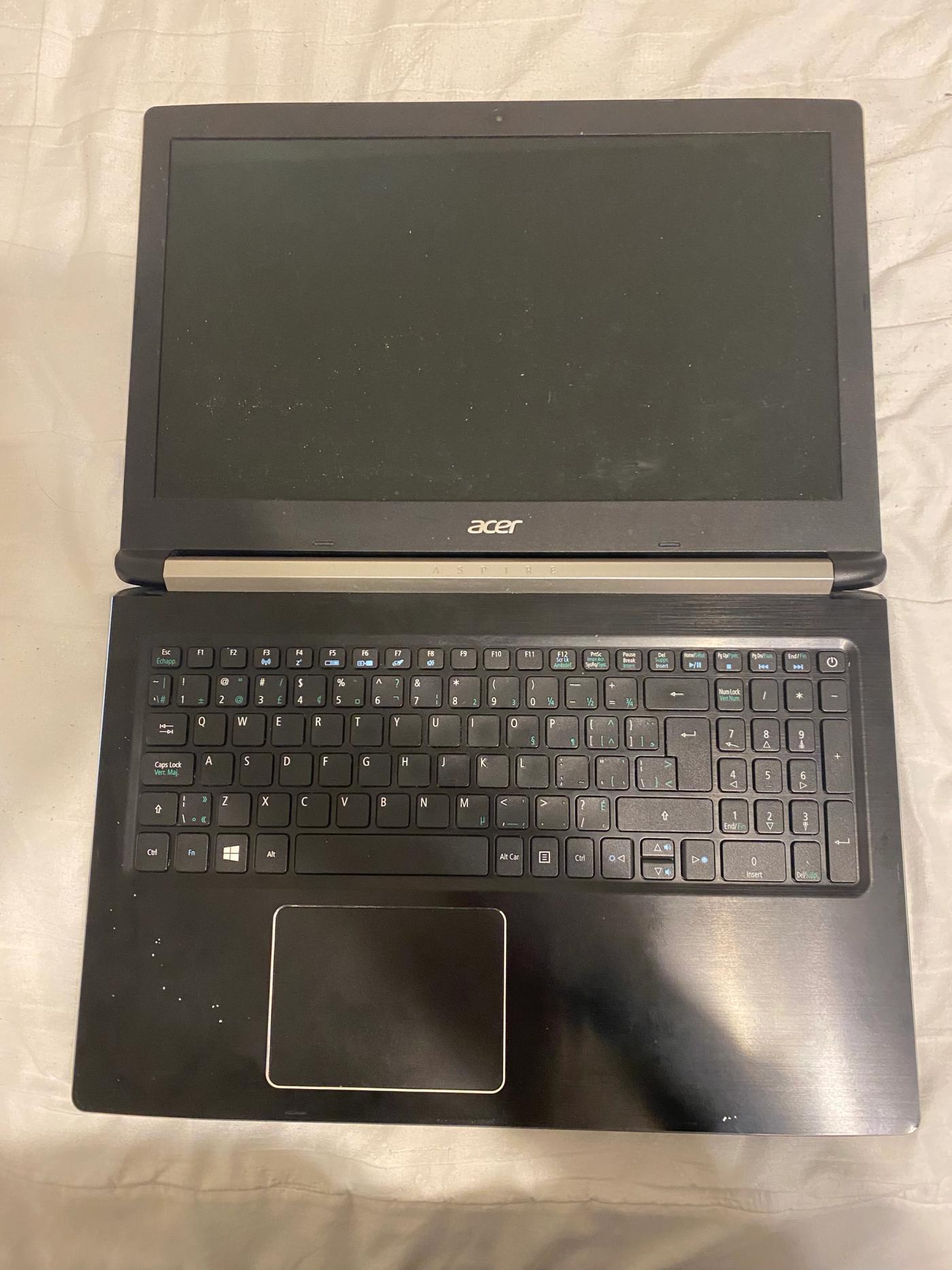
The Aspire Lite AL15-41 is a straightforward productivity laptop that spends its budget where most buyers will notice it. Acer lists a six-core Ryzen 5 5625U, 16GB DDR4 memory, a 512GB NVMe SSD and a 15.6-inch Full HD display. The memory uses two SODIMM sockets and Acer says it can be upgraded to 32GB, which gives the machine a useful path for heavier multitasking later.
Acer's own India store has listed the 16GB/512GB configuration below ₹50,000, while an exact Amazon India listing for the same Ryzen 5 5625U, 16GB/512GB AL15-41 configuration is also verified. Check current price on Amazon. The Ryzen 5 5625U is not a new-generation chip, but its six Zen 3 cores remain well suited to documents, large browser sessions, coding, online classes and mainstream office workloads. The main compromise is the display: this is a conventional Full HD panel rather than a premium high-gamut or high-refresh screen.
Who should buy it: students and office users who want 16GB RAM, upgradeable memory and a large screen at a sensible price. Who should skip it: creators who need a colour-accurate display, or buyers who want the newest CPU architecture and premium build features.
2. Acer Aspire 3 A324-53: best for students
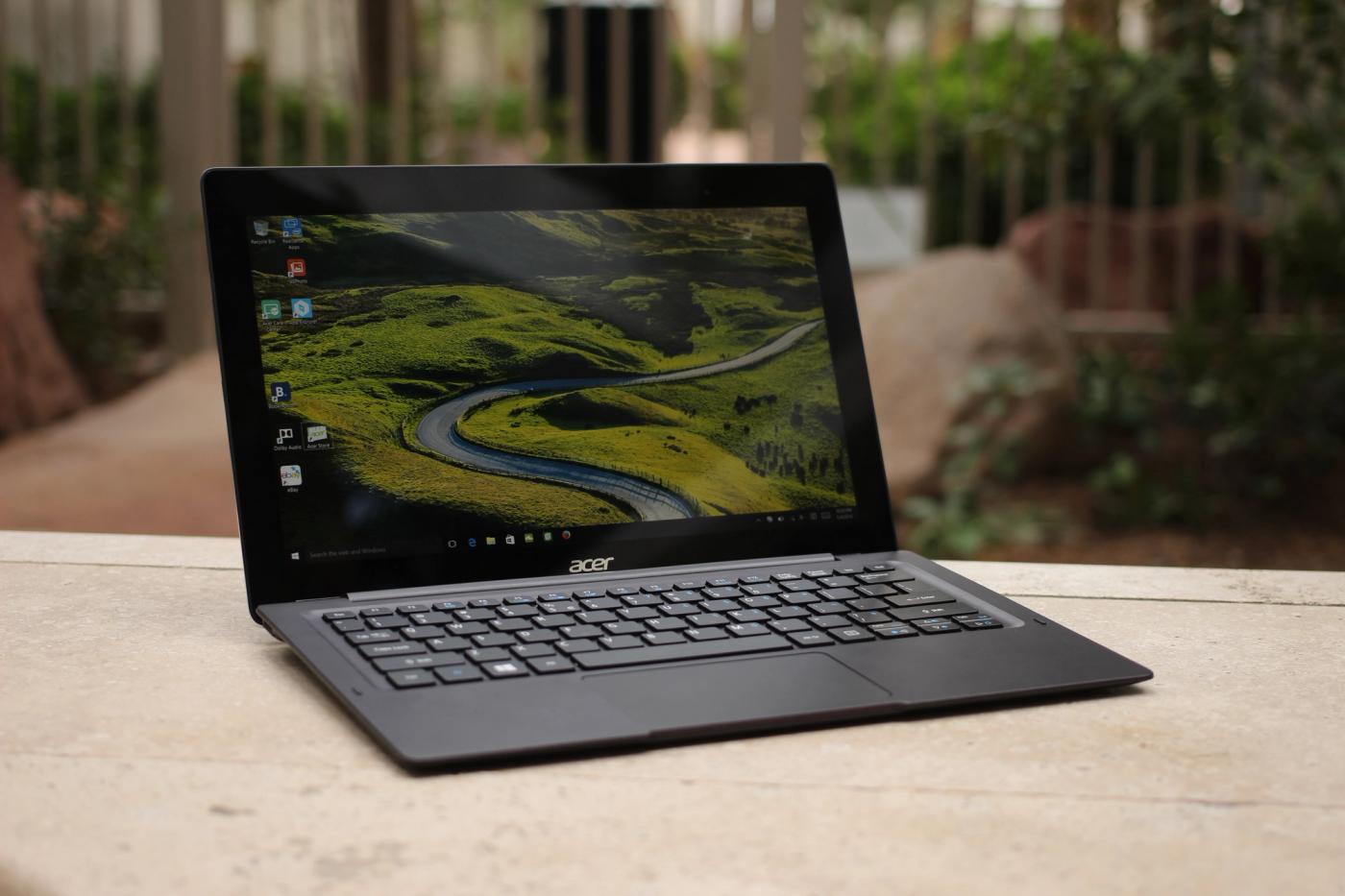
The 14-inch Acer Aspire 3 A324-53 makes more sense for college use than a heavier 15.6-inch machine if you carry your laptop every day. A configuration independently tested by 91mobiles pairs Intel's Core i5-1334U with 16GB RAM and a 512GB SSD. Their September 2026 buying guide placed it around ₹40,990 and measured 7 hours 25 minutes in its PCMark 10 video-loop battery test.
The Core i5-1334U is a power-efficient U-series processor, so this is not the machine to choose for sustained rendering or serious gaming. That trade-off works in its favour for lectures, research, Office, web development and commuting. Independent testing also found fast storage performance, while the compact chassis keeps the machine easier to fit into a backpack.
Who should buy it: students who value portability, 16GB memory and balanced everyday performance. Who should skip it: users whose workload is primarily CPU-heavy compilation, video rendering or gaming, where an H-series or HS-series processor can offer more headroom.
3. Chuwi CoreBook X Pro: best performance-per-rupee for desk use
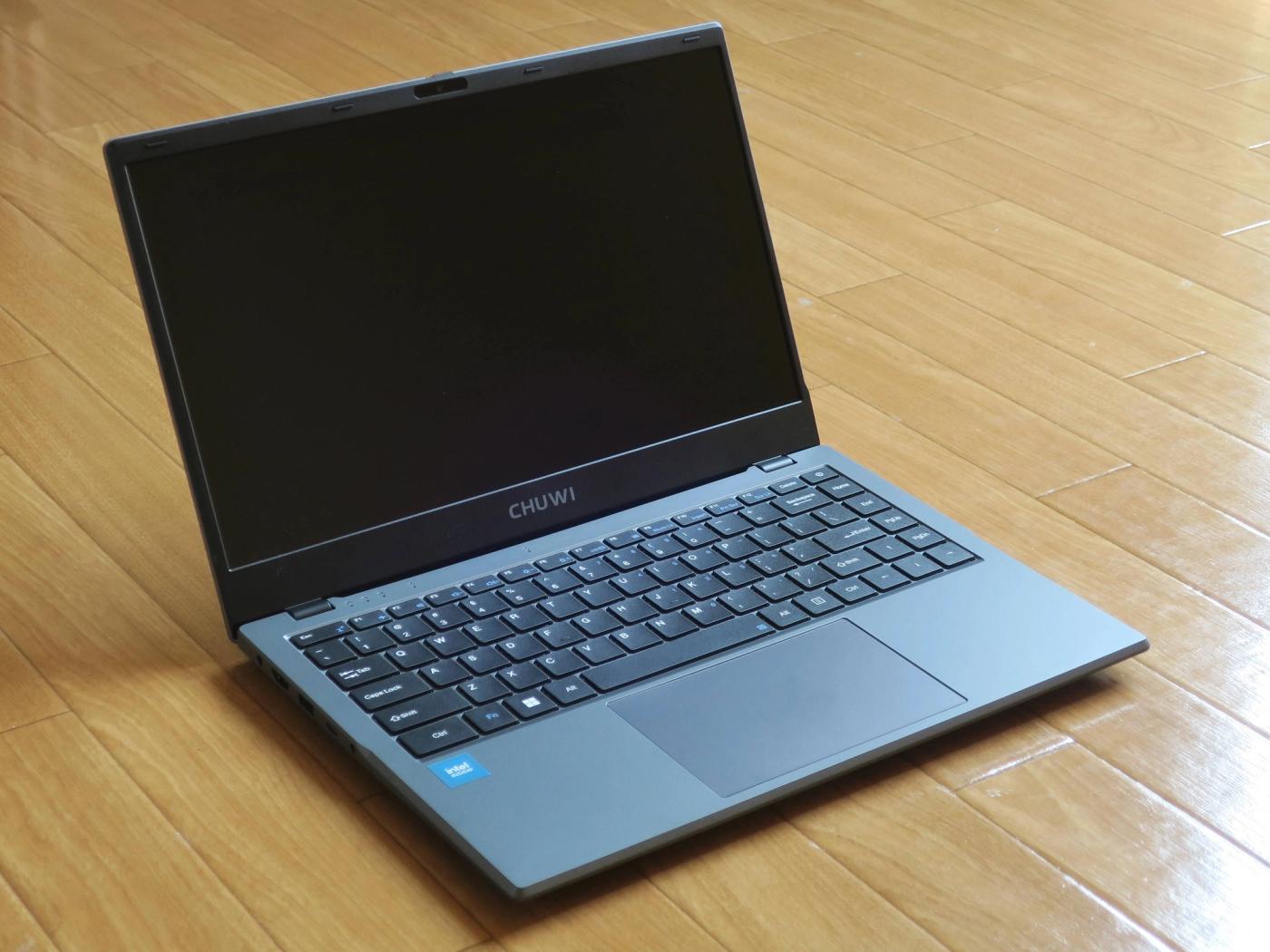
Chuwi is a less familiar name than Acer, Lenovo or HP in India, but the CoreBook X Pro is interesting because it uses Intel's Core i5-12450H rather than a low-power U-series chip. Independent testing by 91mobiles placed its multi-core CPU performance well ahead of several conventional budget ultraportables, while the tested configuration included 16GB RAM and a 512GB SSD.
There is a cost to that performance. The same testing recorded under five hours in its video-loop battery test, so it is better viewed as an inexpensive workstation-style laptop that moves occasionally rather than an all-day campus companion. Its appeal is stronger if you work mostly near a charger and care about compilation, heavier spreadsheets or other sustained CPU tasks. Upgrade access is another advantage for users who want to extend the laptop's useful life.
Who should buy it: budget-conscious users who prioritise CPU performance and upgradeability. Who should skip it: frequent travellers, buyers who need long unplugged runtime, or anyone who places a high value on a large established service network.
4. MSI Modern 15 B12M: affordable Intel option
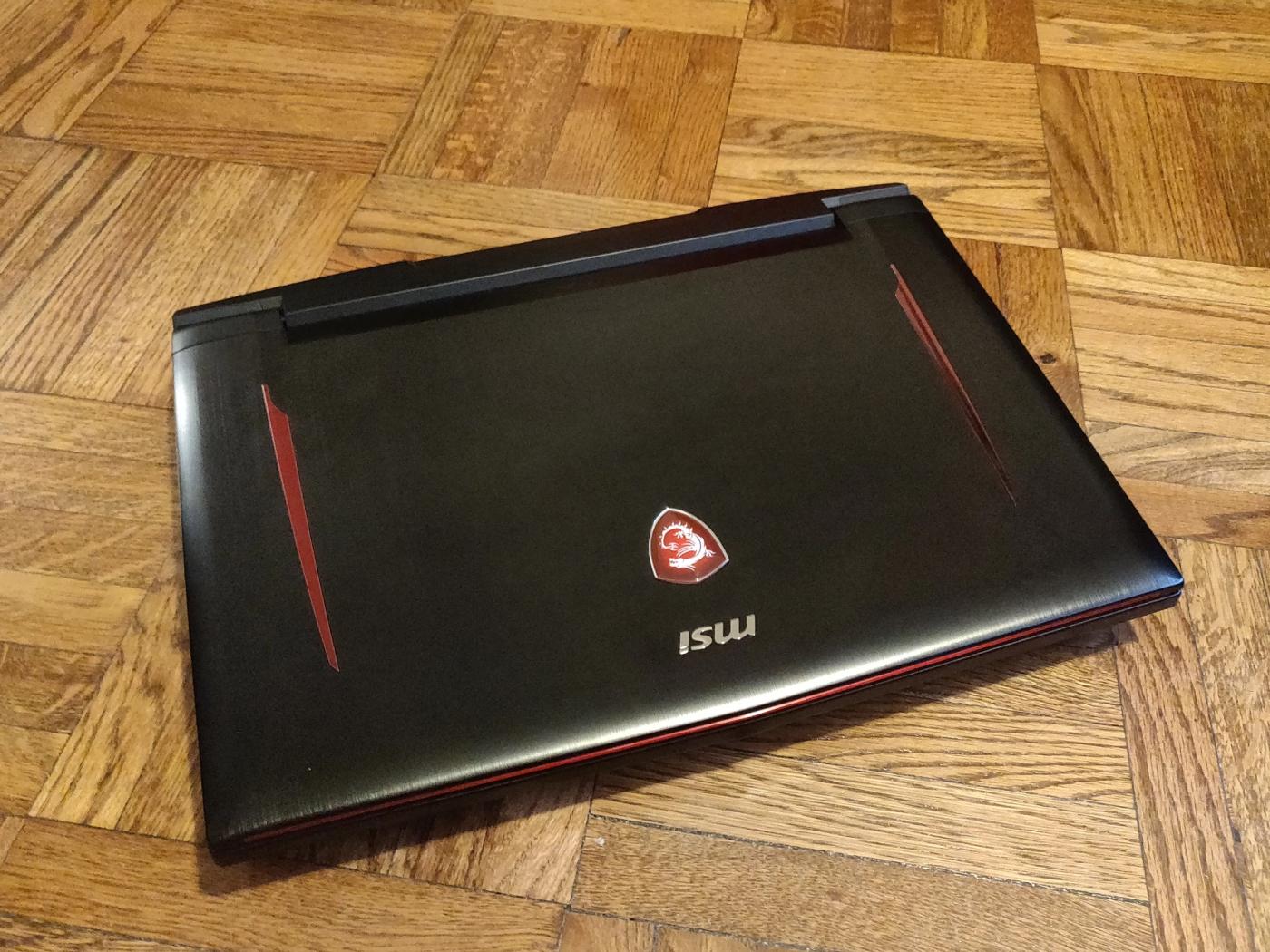
MSI's Modern 15 B12M is worth considering when you want a conventional Windows laptop from an established PC brand and find it well below the ₹50,000 ceiling. The configuration in current independent comparisons uses a 12th-generation Intel Core i3-1215U, 8GB RAM and a 512GB SSD. That specification is less ambitious than the 16GB machines above, but it is adequate for documents, browsing, streaming, video calls and lighter coding workloads.
The important point is price. This model only makes sense when it is meaningfully cheaper than 16GB alternatives. If the gap is small, buying 16GB from day one is the safer long-term choice. Independent testing cited roughly six hours of battery life for the tested unit, so it is a middle-ground option rather than the battery champion.
Who should buy it: buyers who find it at an aggressive price and mainly need a reliable everyday Windows machine. Who should skip it: heavy multitaskers unless they confirm the exact memory upgrade path for the configuration they are buying.
5. Acer Aspire 14 AI: best for battery life
Acer Aspire 14 AI is the unusual pick in this price class because it uses Qualcomm's Snapdragon X X1-26-100 platform. The tested configuration pairs the chip with 16GB LPDDR5x memory, a 512GB Gen 4 SSD and a 14-inch 1920 x 1200 120Hz display. In 91mobiles' controlled PCMark 10 video-loop test it lasted 15 hours 13 minutes, far beyond the other Windows machines in the same comparison.
That makes it particularly attractive for students and mobile workers, but Snapdragon Windows laptops use ARM architecture. Windows on ARM compatibility is much better than it once was, yet buyers who depend on specialised drivers, older utilities, niche development tools or particular games should verify compatibility before purchasing. Its memory is also soldered, so the 16GB you buy is the memory you keep.
Who should buy it: users who prioritise battery life, portability, a 120Hz display and mainstream productivity. Who should skip it: anyone whose required Windows software or peripherals have uncertain ARM support.
Which laptop under ₹50,000 should you buy?
For the safest value choice, the Acer Aspire Lite Ryzen 5 5625U is easy to understand: 16GB RAM, 512GB storage, upgradeable memory and enough CPU performance for mainstream work. Students who carry a laptop daily should look closely at the smaller Aspire 3 A324-53. The CoreBook X Pro makes more sense for performance-first desk use, while the Aspire 14 AI is the standout if battery life is the priority and your software works well on Windows on ARM.
One factor worth watching in late 2026 is memory pricing. Headline Thread's RAM price explainer examines why DRAM costs are rising and how that can affect laptop configurations. That makes 16GB models under ₹50,000 especially worth comparing carefully rather than assuming the same configuration will remain at the same price for months.
What to look for before buying a ₹50,000 laptop
Aim for 16GB RAM if you plan to keep the laptop for several years, especially for development, large browser sessions or heavier multitasking. A 512GB SSD is a practical baseline, but check whether storage or memory can be upgraded. For processors, do not compare Core i5, Ryzen 5 or Snapdragon branding alone: the exact chip and power class matter. U-series processors generally favour efficiency, while H and HS parts are designed for more sustained performance.
If you are considering a cloud-first alternative rather than buying hardware immediately, Headline Thread has also covered JioPC and its India plans. For buyers who need a conventional laptop, however, local software compatibility, offline access and predictable performance still make a Windows notebook the more flexible option for most students and professionals.
FAQ
Is 8GB RAM enough for a laptop in 2026? It remains usable for basic documents, browsing and streaming, but 16GB is a better target for a new laptop you expect to keep for several years. It gives browsers, development tools and multitasking more room before memory becomes the bottleneck.
Do you need a dedicated GPU under ₹50,000? Not for study, office work, programming or media consumption. Integrated graphics are sufficient for those workloads. If gaming or GPU-accelerated creative work is the priority, it is usually better to save for a laptop with a modern dedicated GPU than to compromise heavily elsewhere just to fit one under this budget.
Is a Snapdragon Windows laptop safe to buy? For mainstream browsing, Office, video calls and many modern applications, Windows on ARM can work well. The risk is specialised software and peripheral drivers. Check every must-have application and device before choosing an ARM laptop solely for its battery advantage.